Video Block
Add a video that you've previously uploaded or include a video from one of many services like Youtube or Vimeo from the Add a Block panel.
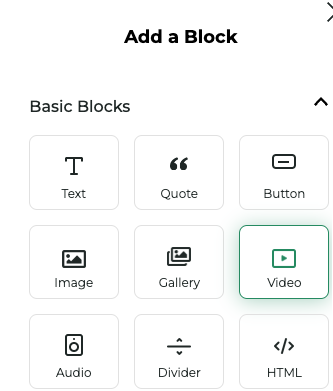
You'll be prompted to select a video from your library or upload a new one.
Properties Panel
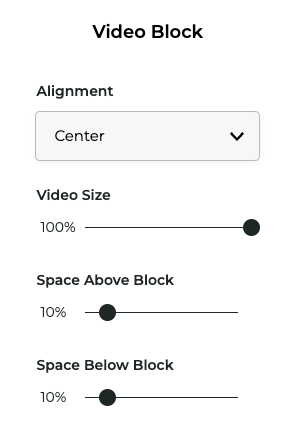
Click the options button (...) in the top right corner of the block toolbar to open the Video Block Properties. Below are some of the properties you can customize:
| Property | Description |
|---|---|
Alignment | The alignment of the video within its container |
Video size | The size of the video within its container |
Space above | The space above/below the video block |